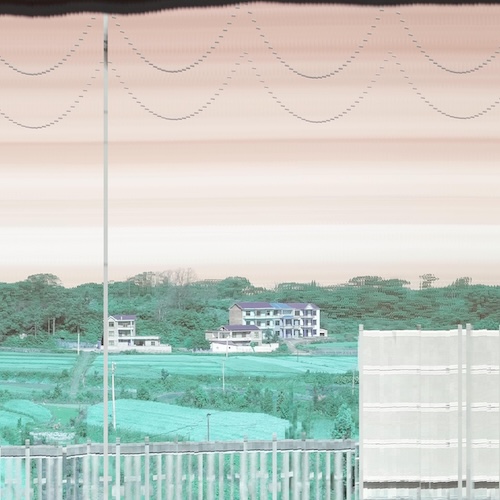
Edit: I’ve since learned that this technique is often called “Slit Scan Photography”, there is a beautiful history of different uses of the technique here.
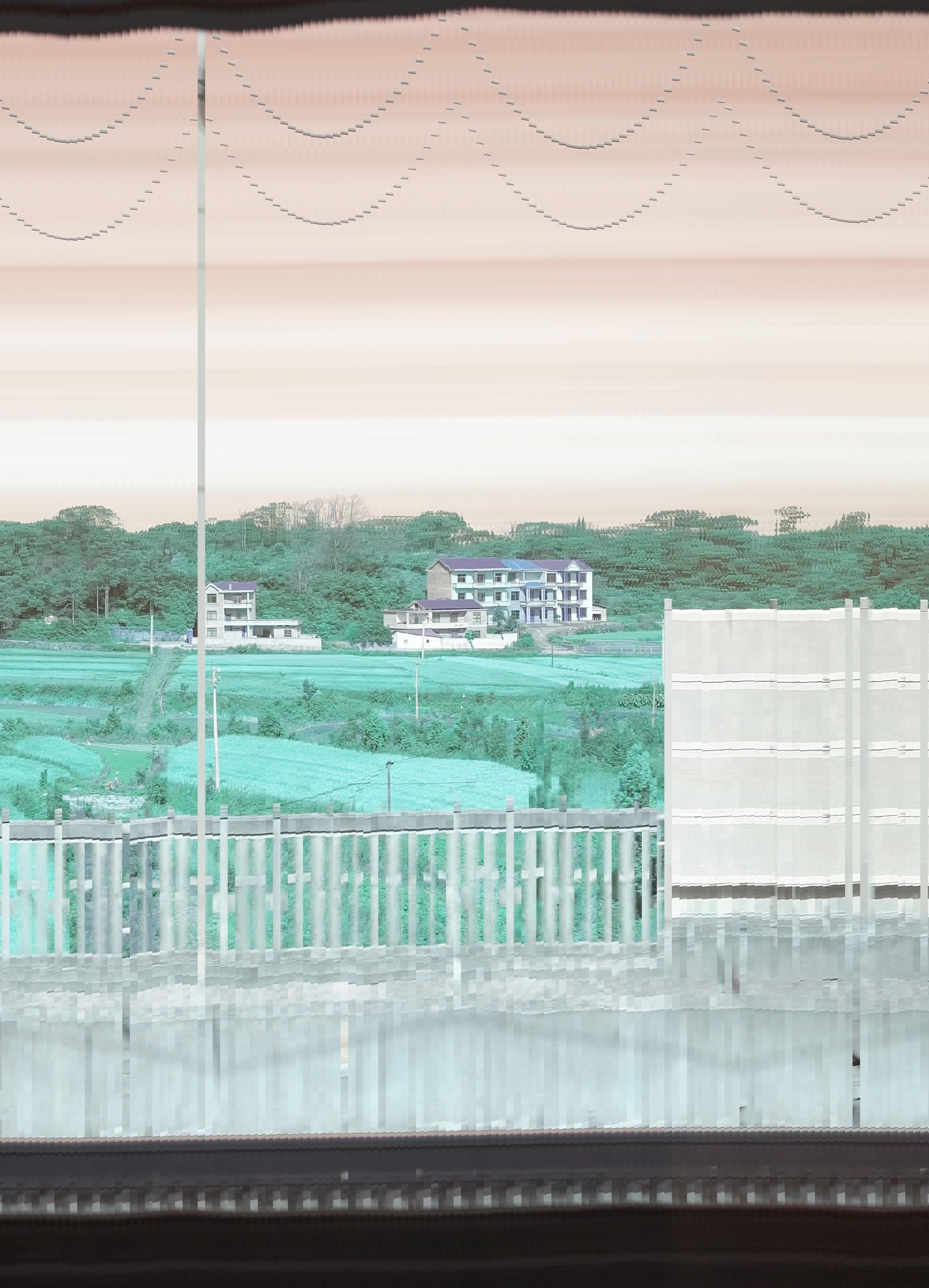
When you look out of a train window, it just scrolls past right? When you think about it a bit more, no, because of parallax… but what if we just clamped our hands over our ears and pretended parallax didn’t exist?
This script extracts vertical slices from the middle of each frame of a video and stitches them into one long image.
import cv2 as cv
import numpy as np
import matplotlib.pyplot as plt
from skimage import transform
from tqdm import tqdm
import PIL as PIL


# I used to work at a place where all the usernames
# were of the form ma[your initials]
# so I got "math" and have stuck with it even after leaving.
file = "/Users/math/Downloads/IMG_3612.MOV"
capture = cv.VideoCapture(cv.samples.findFileOrKeep(file))
frames = int(capture.get(cv.CAP_PROP_FRAME_COUNT))
# frames = 100
slice_width = 10
# channel_swizzle = (2,1,0) # Use this to "fix" the channels being wrong
channel_swizzle = (0,1,2)
vertical_slice = slice(None, None, 2)

# Be a bit lazy and just grab a test frame to
# compute the height after vertical_slice is applied
ret, frame = capture.read()
h, w, n_channels = frame[vertical_slice].shape

# Reopen the file so we don't lose that frame we just grabbed
capture = cv.VideoCapture(cv.samples.findFileOrKeep(file))

target = np.zeros([h, frames * slice_width + 1, n_channels], dtype=np.uint8)
print(f"{target.shape = }")

for i in tqdm(range(frames)):
    ret, frame = capture.read()
    if frame is None:
        print(f"Got to end of video on frame {i}")
        break

    # warped = transform.warp(frame, tform3, preserve_range = True).astype(np.uint8)

    x = i*slice_width
    target[:,  x+slice_width:x:-1] = frame[vertical_slice, w//2:w//2 + slice_width, channel_swizzle]

img = PIL.Image.fromarray(target)
img.save("linescan.jpeg")
This scripts doesn’t account for a bunch of things, it reads the image data as bgr instead of rgb for whatever reason, it ignores perspective, the vertical bouncing of the train and the camera, the variation in speed of the train, the variation in speed of each object due to its varying distance from the camera…
and yet, the images look really cool.

Depending on how you tune the parameters (really just slice_width), some parts of the image will move at the right speed to appear normal, while anything closer will become squeezed horizontally and anything further away will be stretched out.
This is why the clouds appear as long streaks in the sky, because they’re so far away we’re essentially seeing just single vertical slice of them smeared across the image.

In contrast, some the videos contain electricity poles that are so close that they flash past, only appearing in a single frame sometimes, if they happen to appear with the narrow band that I’m extracting then they will appear, otherwise you get electrical cables that appear to floating, supported by nothing.
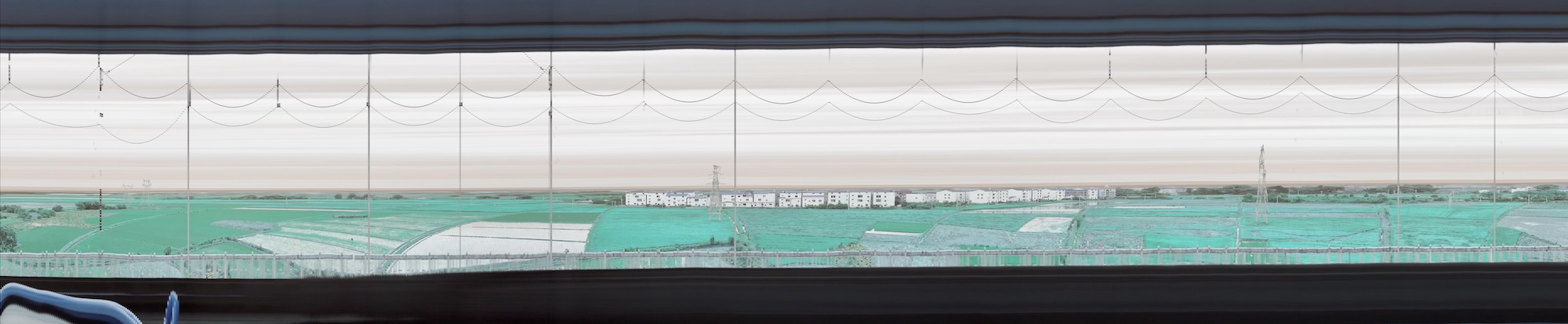
You can also, shock horror, move the camera around!
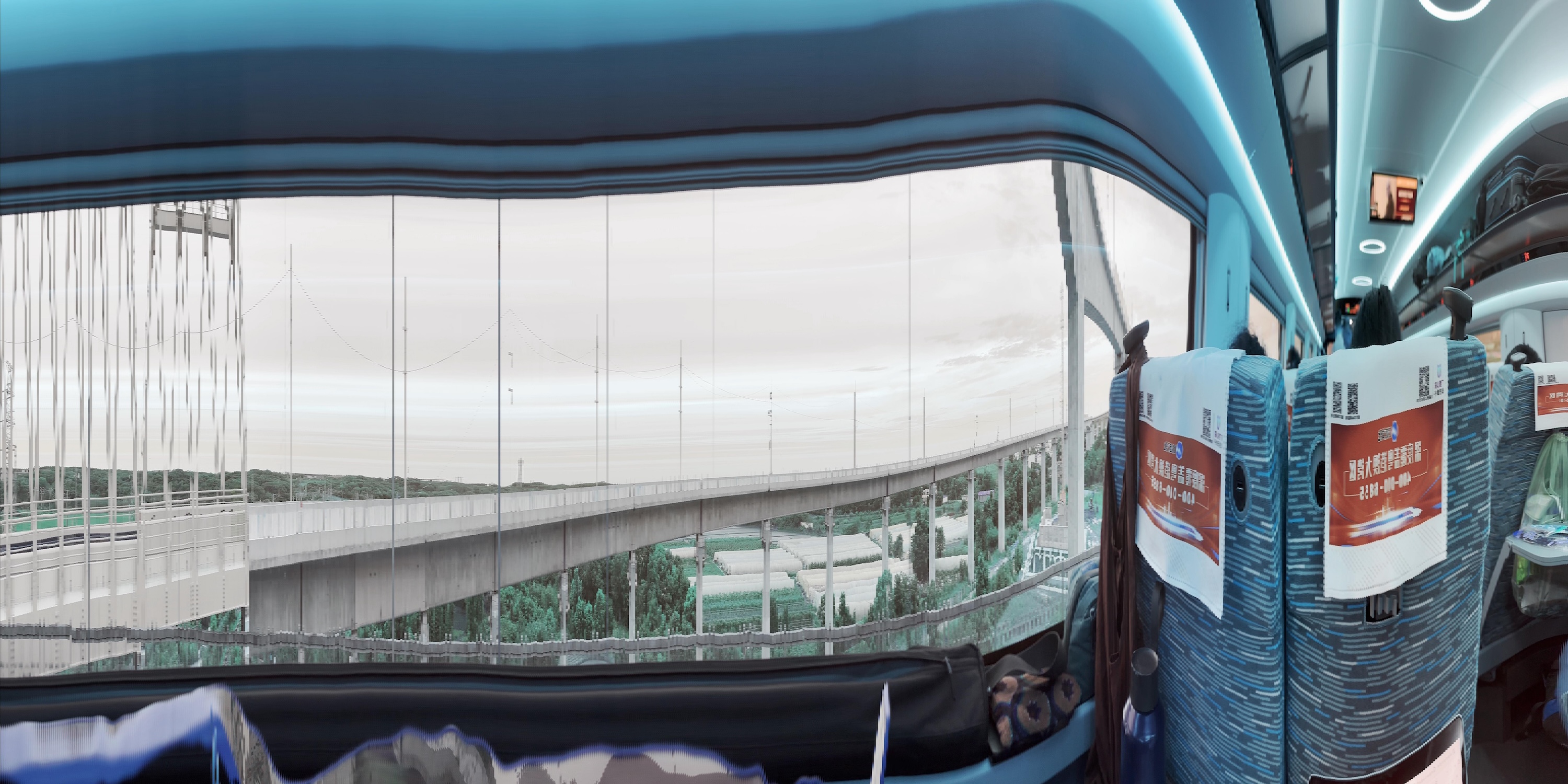
Width is meaningless here so I’ve constrained most of the images to be square but for longer videos you need a bit more room. These ones below should scroll left and right if I haven’t bungled the css on your device.

This one I scaled down a bit less than the others so it’s 5Mb.

All the previous ones have been done with an iPhone 13 mini set to 60fps / 4k using the normal camera. This next one is at 30fps / 1080p using the wide angle lense. Yes I am changing all the variables at once, you can’t stop me.
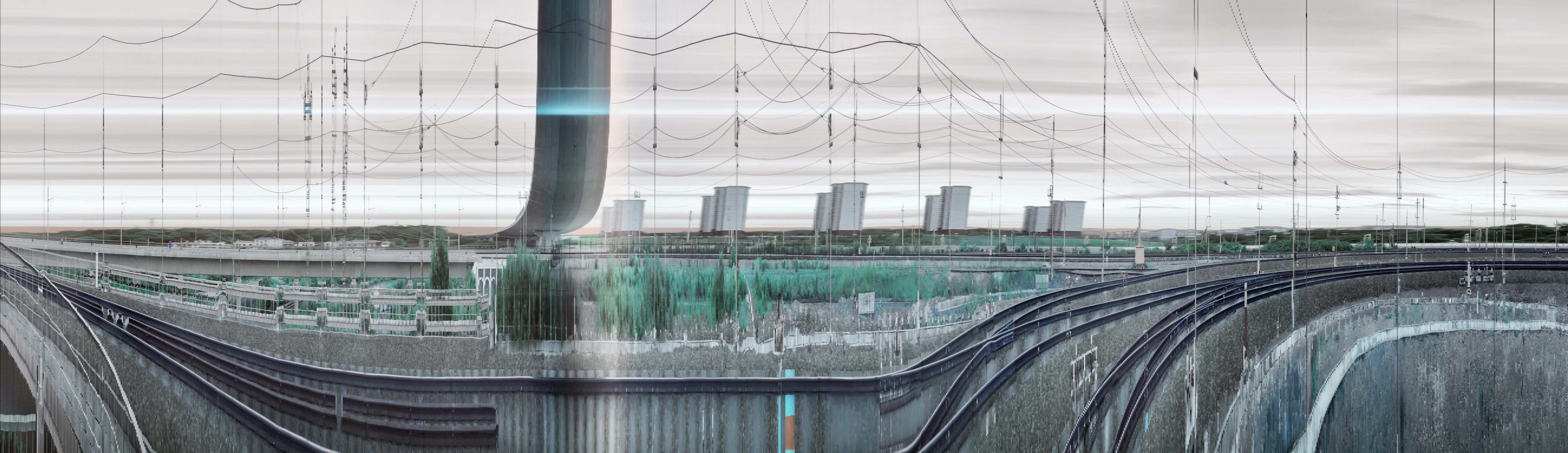
Back to 4K / 60fps source, scroll to the end for some trucks nestled under a bridge.

Extra Notes
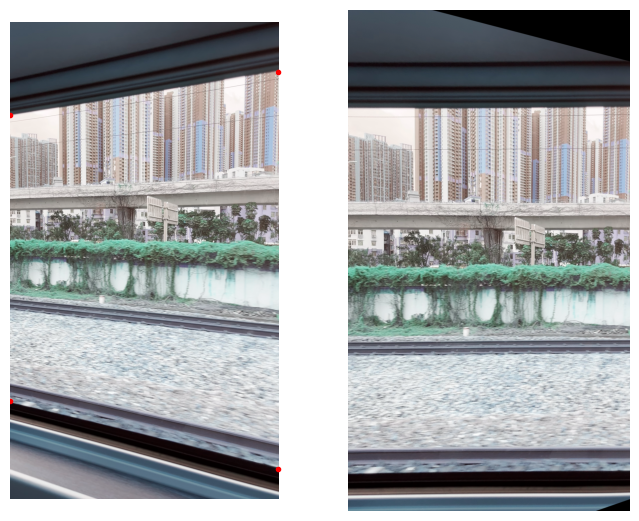
I also tried doing a perspective correction on the image prior to extracting the slice but because the slices are so narrow this doesn’t really make much of a difference.
import numpy as np
import matplotlib.pyplot as plt
from skimage import transform

capture = cv.VideoCapture(cv.samples.findFileOrKeep("/Users/math/Downloads/IMG_3609.MOV"))
ret, frame = capture.read()
h, w, _ = frame.shape

src = np.array([[0, 750], [0, h-300], [w, h-300], [w, 750]])
dst = np.array([[0, 750], [0, 3050], [w, 3600], [w, 400]])

tform3 = transform.ProjectiveTransform.from_estimate(src, dst)
warped = transform.warp(frame, tform3, preserve_range = True).astype(np.uint8)

fig, ax = plt.subplots(ncols=2, figsize=(8, 8))

ax[0].imshow(frame)
ax[0].plot(dst[:, 0], dst[:, 1], '.r')
ax[1].imshow(warped)

for a in ax:
    a.axis('off')